
Professor Oops

Professor Oops app for iPhone, iPad and Android

The app

One app, free to start, one honest unlock

Professor Oops is a drawing and painting app for children aged about 4 to 10 in which the paper behaves like the real thing. It runs on iPhone, iPad and Android and in the web browser. A large part is free for good; a grown-up can unlock the full toolbox once.

  • No ads
  • No accounts
  • Works offline
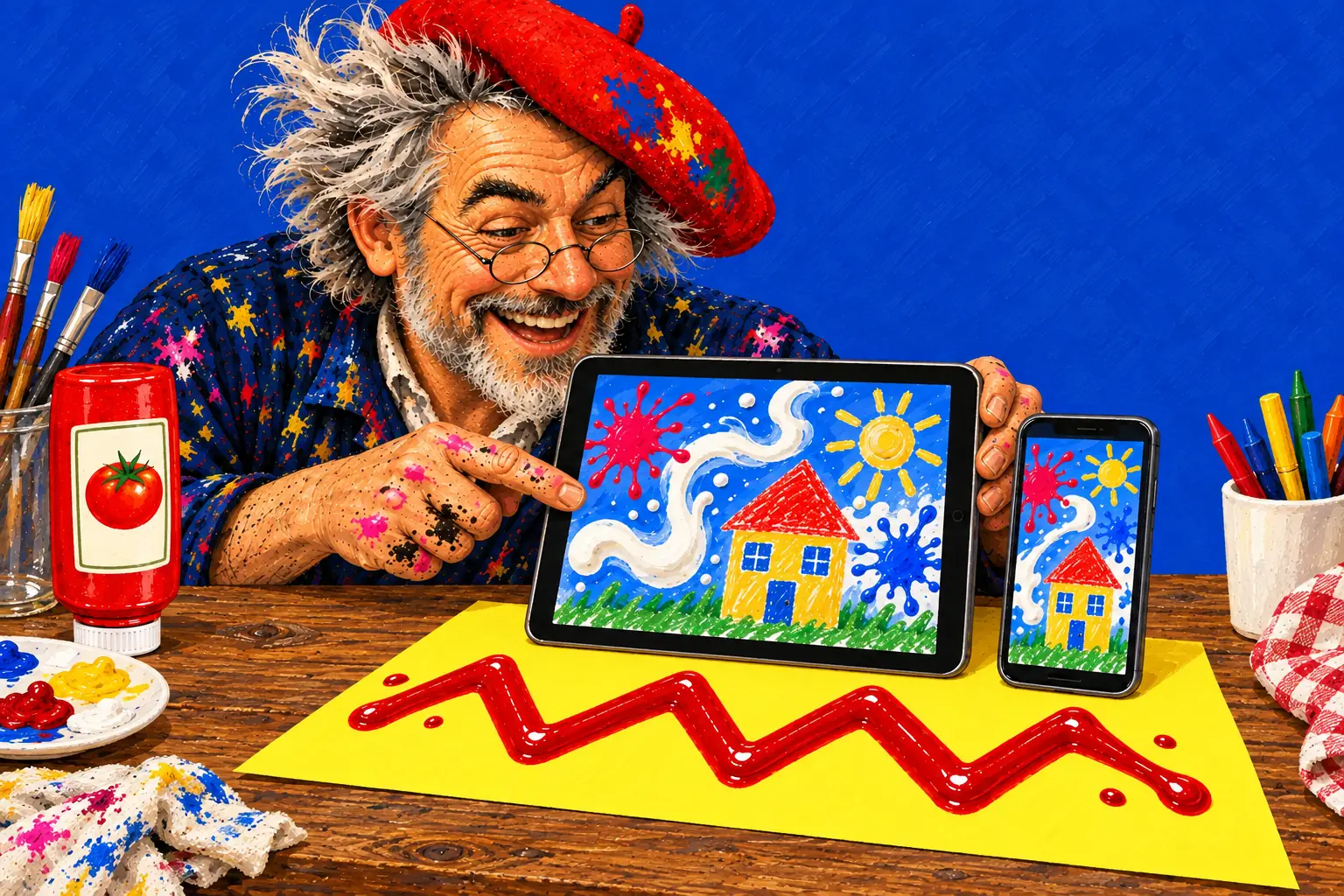
Painted illustration of a tablet and a phone on a yellow sheet with a ketchup zigzag, both screens showing paint splats, milk swirls and a crayon house, the painter smiling at them.

Where it runs

iPhone and iPad
iOS / iPadOS 16.4 or later (iPhone 8 or X and later, iPad 5th generation and later)
Android phones and tablets
Android 7.0 or later, with an up-to-date Android System WebView
Web browser
play.professoroops.com, in a browser from 2022 or later with WebGL 2

What's free, and what the full toolbox adds

Free means free for good: no time limit, no trial that runs out, and no ads in its place.

Free, for everyone

  • Craft tab: crayons, coloured pencils, markers, paint, watercolour; and the hand, always beside Undo

  • Paint board with paint tubes and a palette knife

  • Drawing kit: stencils (and your own), ruler, compass, spiral gears, perspective

  • Every time skip: wait 3 days, oven, freezer, a week in the sun, red cabbage dip

  • All of the Kitchen: sauces, eggs, ice cream, fruit, chocolate, cooking oil, butter, cheese, the sieve (flour, yeast, salt, cocoa…), rolling pin

  • All of Science: vinegar, food colouring, secret ink, red cabbage juice, tea bag, eruptions, milk, dish soap, shaving foam, baking soda

  • All of the Toolbox: hammer, scraper, paint bucket, fire, magnifying glass, irons

  • Water and ink drops, sponge, paper towel, bleach drops, glue and glitter, the ants, and the Toy box's face plant
The full toolbox

  • Garden: mud, sand, seeds (grass, cress, moss), leaves, a pigeon, a puppy, a cat and a snail

  • Bathroom: spray bottle (water or vinegar), soap and soapy scrub, bleach pen, squeegee, brush and lint roller, vacuum, tweezers, fan and hair dryer, Grandma's teeth

  • Craft: tape, stickers, stamps, pattern rollers, confetti, googly eyes, hole punch, toothpicks, pins and a birthday candle, string

  • Toy box: toy car, monster truck, balls, bubbles, water pistol, slime

  • Every tool added later. Seasonal events stay free for everyone.

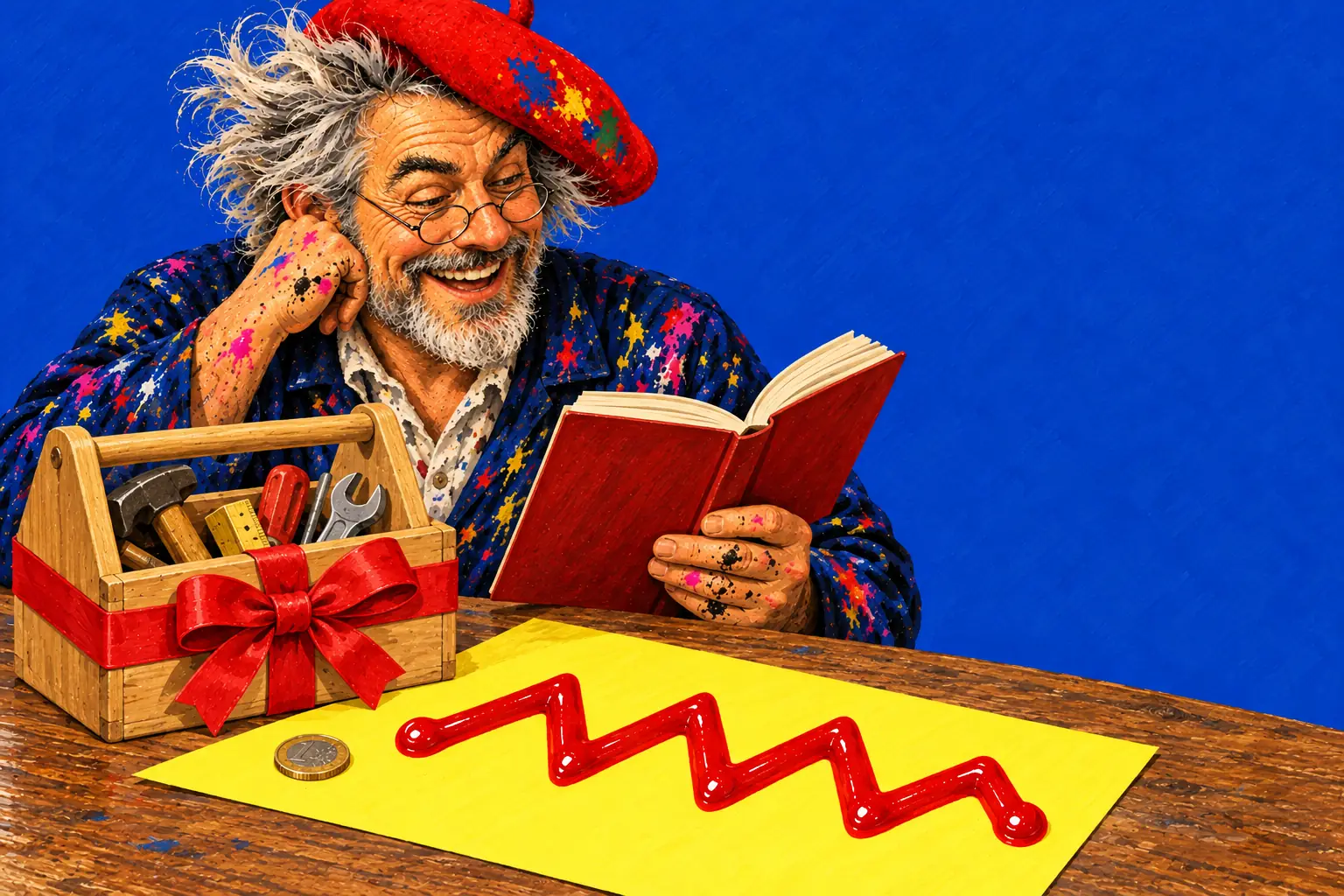
Painted illustration of a wooden toolbox tied with a red ribbon next to a single coin on a yellow sheet with a ketchup zigzag, the painter reading a book beside it.

The one unlock

€5.99 in the eurozone, with local prices in each store. It's bought once, by a grown-up, in the grown-ups' area behind the parent gate. No subscription, no coins, no ads, and nothing to buy inside the child's play: a child never sees a price, a lock or a shop.

The grown-up chooses how the new tools arrive: everything now, wrapped as a present the child opens on the paper, or one new thing a day.

  • iPhone and iPad: bought through the App Store, shared with the family through Family Sharing.

  • Android: bought through Google Play, on the Google account that bought it.

  • Web browser: paid through Stripe; it works in the browser on any device with the restore code from the receipt e-mail.

Each is bought separately: an unlock in one store doesn't carry over to the other, or to the browser.

The parent gate

A plain Parents & teachers button sits at the end of the toolbar. It asks a sum that's easy for an adult and hard for a young child (like 37 + 40). Behind it are the settings (sound, language, tilt and shake, the anonymous counts), saving pictures to the device, the tour for grown-ups, and the purchase. Music can be switched off separately from the sound effects.

Privacy, in plain words

  • The app collects no personal data. No ads, no accounts, no trackers from other companies.

  • It only counts, anonymously, which tools are used and how often it's played, and sends those counts to our own server at most once a day, with no name and no ID. A grown-up can switch them off in the settings; in the UK and most of Europe they start switched off.

  • Drawings stay on the device.

  • The apps go online only for those counts (that's what the Android internet permission is for); the game itself works fully offline.

  • Purchases are handled by Apple or Google; on the web, by Stripe.

  • On DEPLAY Kids tablets only, the Android app asks DEPLAY MAX on the tablet whether the family's subscription already covers it.

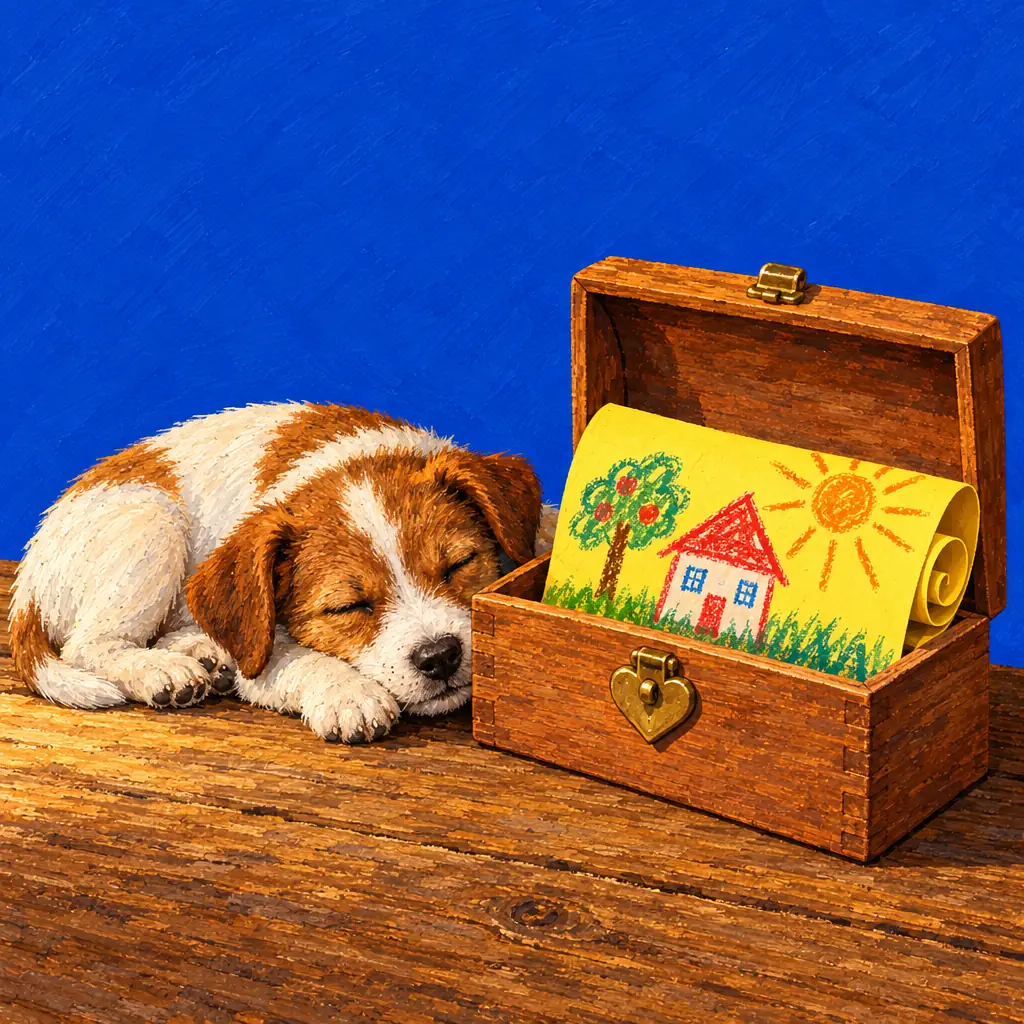
Painted illustration of a child's drawing rolled up safely in a small wooden box with a heart-shaped latch, a puppy asleep beside it.

28 languages

The game is in 28 languages, and in every one of them it's called Professor Oops. It starts in the device's language when it can, and a grown-up can change it at any time. The drawing stays where it was.

Frequently asked questions

Is there a subscription?

No. There is one optional unlock, bought once. Nothing renews.

Does the app have in-app purchases?

Yes, exactly one: the full toolbox, bought by a grown-up behind the parent gate. There are no coins, packs or ads.

If I buy it on iPad, do I have it on Android or the web too?

No. Apple, Google and the web each sell it separately. On Apple devices it's shared through Family Sharing.

Do new tools cost extra?

No. The full toolbox includes every tool we add later, and seasonal events are free for everyone.

Does it need Wi-Fi?

The apps don't: everything works offline. The browser version needs a connection to load.

Try it before the stores open

The iPhone, iPad and Android apps are on their way. The browser version is open now, with the same tools.